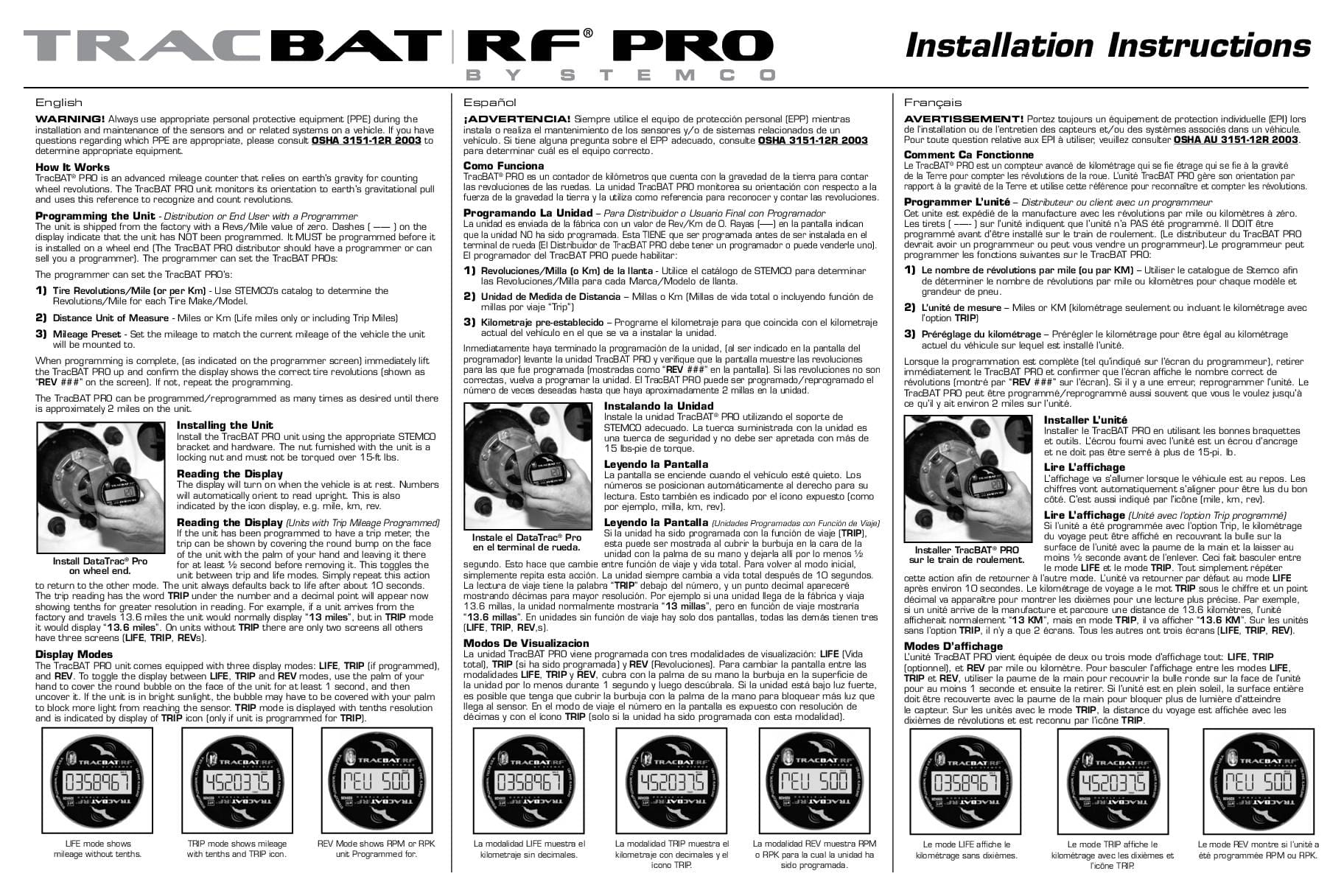
TracBAT® RF PRO installation instructions cover programming, mounting, display reading, RF interrogation, low battery indication, product limitations, and certification information. The unit must be programmed before installation, including tire revolutions per mile or kilometer, distance unit of measure, and mileage preset. The instructions also explain LIFE, TRIP, and REV display modes, use with a HandBAT® reader, trip reset behavior, and replacement guidance when the LOBAT icon appears.
Key Points
- Explains how TracBAT® RF PRO counts wheel revolutions using orientation to earth’s gravitational pull.
- Requires programming before installation when dashes appear on the display.
- Specifies use of the appropriate STEMCO bracket and hardware, with the supplied locking nut not torqued over 15 ft-lbs.
- Covers LIFE, TRIP, and REV display modes, including trip mileage viewing and reset.
- Notes RF reading with a HandBAT® reader, low battery replacement guidance, and installation limits for rotating shafts under 1400 RPM.